
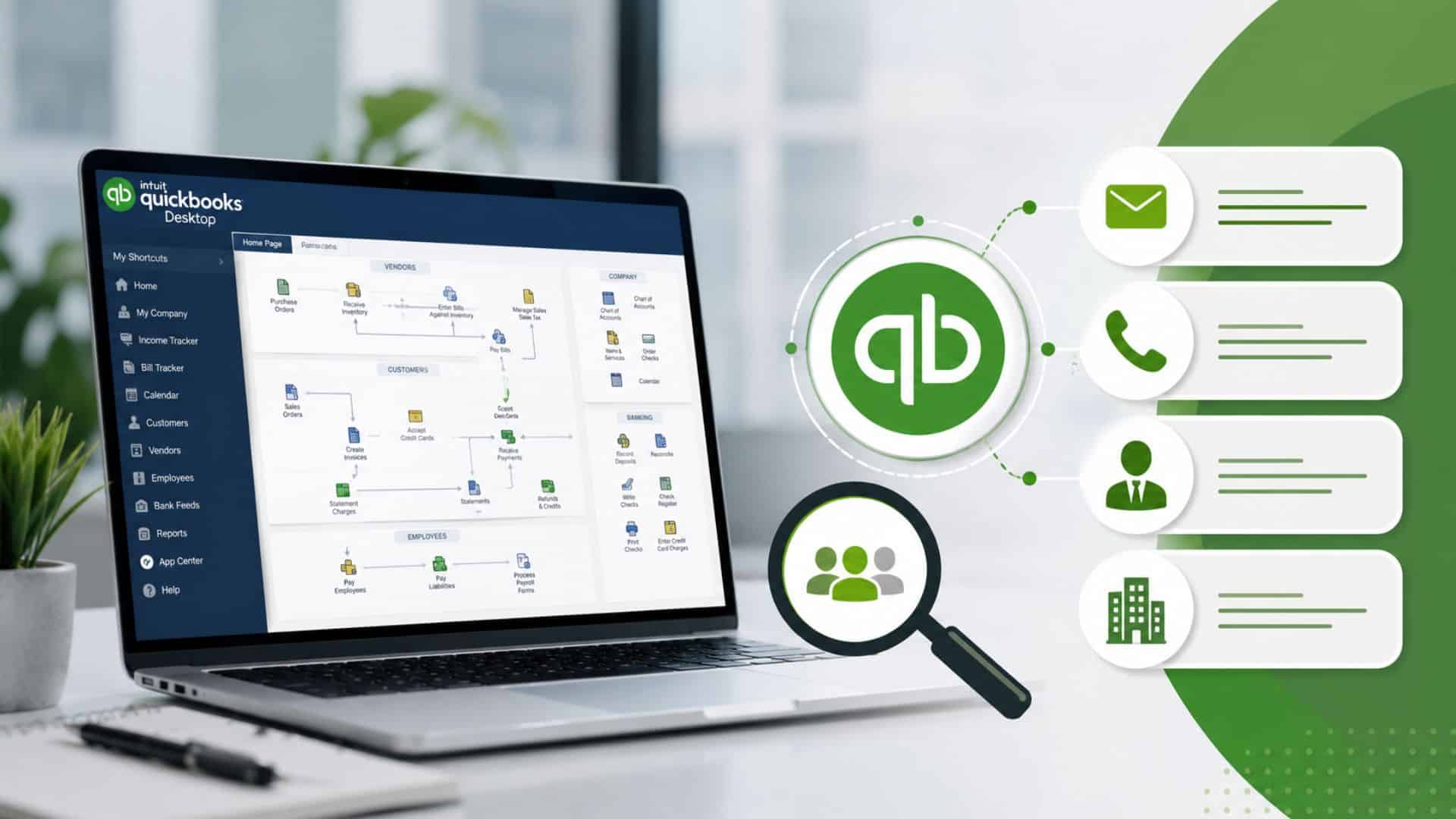
Businesses that use QuickBooks Desktop are valuable prospects for software vendors, accounting firms, IT consultants, payroll providers, cloud migration specialists, and financial service companies. However, identifying these users and obtaining accurate contact details can be challenging without the right data sources and prospecting strategies.
Whether you’re looking to promote QuickBooks add-ons, offer migration services, or connect with finance decision-makers, finding verified QuickBooks Desktop users contact details can significantly improve your lead generation efforts. This guide explains the most effective methods, data sources, and best practices for building a targeted QuickBooks Desktop users list.
Access to QuickBooks Desktop users contact details helps businesses connect with companies that already use a trusted accounting solution. This enables sales and marketing teams to focus on qualified prospects, personalize outreach, and promote relevant products or services more effectively.
Businesses using QuickBooks Desktop often need solutions that integrate with their accounting software. Vendors offering payroll, CRM, tax automation, or financial management tools can use verified contact details to reach decision-makers with relevant offerings, improving lead quality and conversion rates.
Many organizations are considering moving from desktop accounting software to cloud-based platforms. Companies providing migration, implementation, or consulting services can target QuickBooks Desktop users with personalized campaigns that address their transition needs.
QuickBooks Desktop users frequently invest in complementary business solutions, including payroll software, tax preparation tools, financial reporting platforms, ERP systems, and bookkeeping services. Accurate contact data helps vendors identify these opportunities and deliver targeted cross-selling campaigns.
Before building a prospect list, it’s important to understand which businesses commonly use QuickBooks Desktop.
QuickBooks Desktop remains popular among:
The software is widely adopted by:
Many companies continue using QuickBooks Desktop because of its familiarity, customization capabilities, and offline functionality.
Although demand for QuickBooks Desktop user data is high, locating accurate information presents several challenges.
Several proven methods can help identify QuickBooks Desktop users and connect with the right decision-makers. Here are some of the most effective ways to build a targeted prospect list.
B2B data providers are one of the fastest ways to identify companies using QuickBooks Desktop. They offer verified business contacts along with valuable company and technology insights.
One of the fastest ways to identify QuickBooks Desktop users is by using a trusted B2B data provider like DataCaptive. It offers verified business contact data, firmographic insights, and technographic intelligence to help businesses identify organizations using QuickBooks Desktop and connect with key decision-makers.
Intent data platforms help identify businesses actively researching accounting software or related financial solutions. These prospects often have higher purchase intent than general audiences.
Professional networking platforms can help you identify finance and accounting decision-makers within organizations using QuickBooks Desktop.
Focus on job titles such as:
Technology tracking platforms identify companies based on the software they use, making it easier to locate organizations that run QuickBooks Desktop.
These tools can provide insights into:
Industry directories and business associations can be valuable sources for finding companies and key contacts in your target market.
Accounting and finance events provide opportunities to network with professionals who use QuickBooks Desktop and discover potential business opportunities.
A comprehensive QuickBooks Desktop users list includes more than basic contact details. Depending on the data provider, you can access individual, company, and technology-related information to support targeted sales and marketing campaigns.
Providers such as DataCaptive offer comprehensive business contact data, including verified decision-maker details, company information, and technology insights to support targeted prospecting.
Individual contact records help you reach the right decision-makers within an organization. They typically include:
Company-level data provides valuable business insights, helping you segment and prioritize prospects more effectively. It often includes:
Technology data helps confirm whether a business uses QuickBooks Desktop and provides additional insights into its software environment. It may include:
Accurate and up-to-date contact data is essential for successful sales and marketing campaigns. Verifying and enriching your QuickBooks Desktop user data helps improve outreach accuracy, reduce bounce rates, and increase overall campaign performance.
Verify business email addresses before launching campaigns to reduce bounce rates and improve email deliverability. Regular verification also helps protect your sender reputation and ensures your messages reach the intended recipients.
Validate direct dial numbers and business phone records to ensure your sales team connects with the right contacts. Accurate phone data improves call efficiency and minimizes time spent on outdated or incorrect numbers.
Enriching your database provides deeper insights into each prospect, helping you create more targeted and personalized campaigns. Additional information may include:
Regularly sync verified contact data with your CRM to keep records accurate and current. Routine updates help sales and marketing teams work with reliable information, improving productivity and customer engagement.
Solutions like DataCaptive help businesses verify, enrich, and regularly update contact records, ensuring sales and marketing teams work with accurate and actionable data.
Responsible data usage is essential when collecting and using QuickBooks Desktop users contact details. Following applicable privacy regulations helps build trust, improve campaign effectiveness, and reduce legal risks.
Building a targeted prospect list helps you focus on businesses that are more likely to convert. By defining the right audience and segmenting prospects effectively, you can improve lead quality and campaign performance.
Using a reliable B2B data provider like DataCaptive can simplify prospect list building by providing verified contact data along with firmographic and technographic filters for precise audience targeting.
Experience the Quality of Our Data!
Start by identifying the characteristics of businesses that are most likely to benefit from your product or service. Consider factors such as:
Connect via personalized InMail, content engagement, or cold outreach.
Focus on professionals responsible for accounting software selection, budgeting, financial management, or business operations. Reaching the right decision-makers increases the chances of meaningful conversations.
Organize your prospect list into smaller segments based on business characteristics and buying intent. You can segment prospects by:
This approach allows you to create more personalized outreach campaigns and improve conversion rates.
Having accurate contact details is only the first step. Following the right outreach strategies helps improve engagement, build trust, and increase conversion rates.
Finding accurate QuickBooks Desktop users contact details requires a strategic mix of technographic intelligence, verified B2B data sources, professional networking, and data enrichment practices. When businesses identify organizations actively using QuickBooks Desktop and connect with the right financial decision-makers, they can build highly targeted prospect lists that significantly improve lead quality and conversion rates.
Whether the goal is promoting accounting software, offering migration and cloud transition services, providing financial consulting, or expanding into new markets, having reliable and compliant contact data is essential for successful outreach and long-term growth.
Platforms like DataCaptive can simplify this process by providing verified B2B contact data, firmographic insights, and technographic intelligence, helping businesses quickly identify QuickBooks Desktop users and engage the right prospects with greater accuracy and efficiency.
You can find QuickBooks Desktop users contact details using B2B data providers such as DataCaptive, along with technographic tools and business databases. These platforms help identify companies using QuickBooks Desktop and provide access to verified contact information of decision-makers.
Companies target QuickBooks Desktop users because they already use accounting software, making them more likely to need add-ons, integrations, upgrades, or migration services.
The accuracy depends on the provider. Premium vendors typically offer 90–95% accuracy using multi-step verification, manual validation, and real-time updates, ensuring your emails reach active CFOs in the right industries.
A typical database includes company name, industry, employee size, revenue range, verified email addresses, direct phone numbers, and sometimes technology usage insights.
The accuracy of B2B databases depends on how frequently they are updated and verified. Providers like DataCaptive maintain regularly refreshed and validated data, which helps ensure higher accuracy and better campaign performance.
Common challenges include outdated contact information, limited visibility into software usage, data privacy restrictions, and difficulty reaching the correct decision-makers within organizations.
Get a Sample Email List
